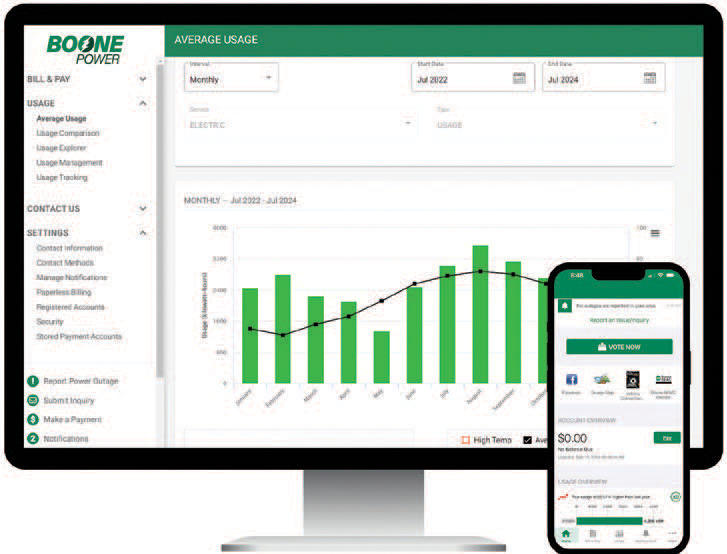
With SmartHub, our member-facing account management tool, you can control which notifications you receive and how.
One of the notification options is payment reminders. You can decide how many days prior to your bill due date you would like to receive a reminder and whether you want an email or a text message. This can help you avoid unnecessary late fees.
Autopay is also a great option for avoiding late fees. To ensure you dont miss a due date, it can be helpful to set up notifications for unsuccessful payments, declined autopay, and credit card expiration.
With SmartHub, you can:
- Pay your bill
- Review your usage
- Update your contact information
- Manage account notifications
- Sign up for paperless billing and autopay
- Report a power outage
- Vote in our annual board director election
- Contact us with questions
- Read our monthly magazine
SmartHub provides a multitude of notification settings for activities related to billing, payments, power outages, and more. If you use the SmartHub mobile app, tap on More from the main menu at the bottom of the screen. Then choose Settings, then Manage Notifications, and choose how to receive alerts related to your electric service and account.
If you log into SmartHub from the web, click Settings from the menu on the left side of the screen, then choose Manage Notifications. From there, you can scroll through all the options you have to receive communication from Boone Power.
Scan the QR code to watch a video about how to use SmartHub and learn how to get started.